Igor Murujev
March 9
How to update Chrome extension?
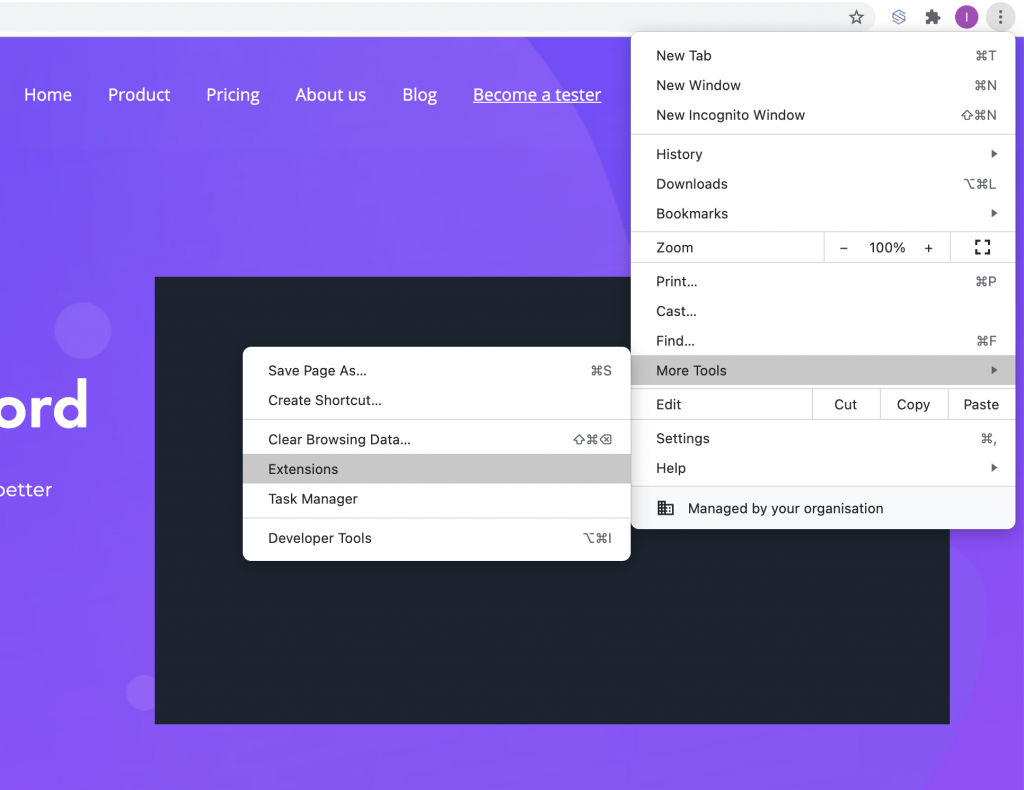
To update Sharewell browser extension, go to browser settings and follow More Tools > Extensions link:
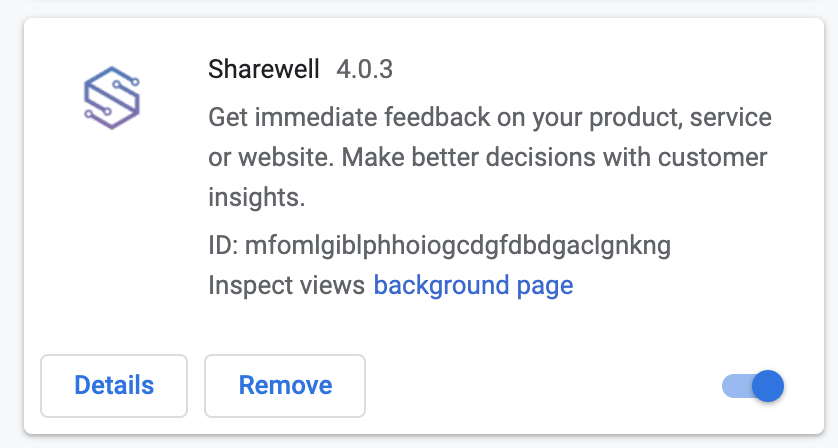
The page with a list of all your active extensions will be open. Find “Sharewell” extension and click “Details” button:
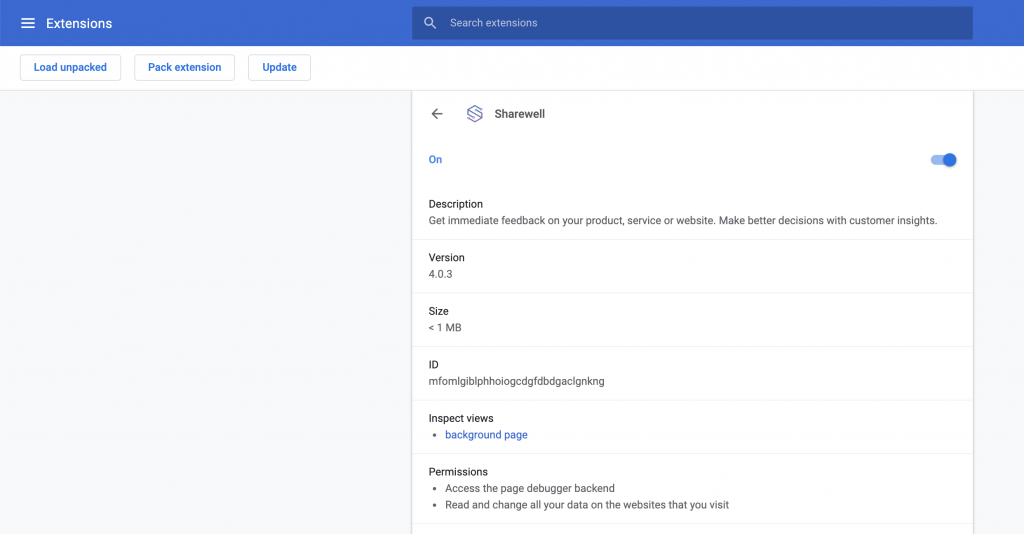
Now, on the extension page find the button “Update” in the top left corner. Click it to update the extension: